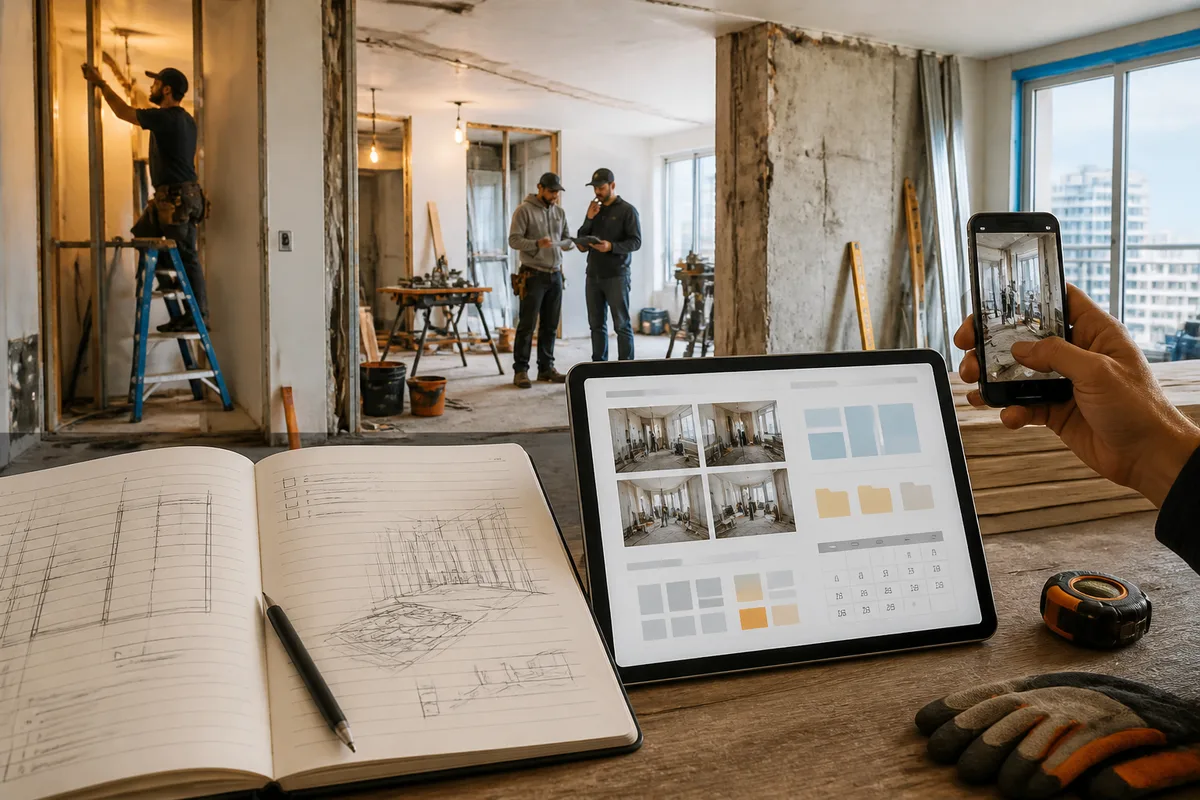
MyMap AI or classic site diary: which method to choose to effectively monitor your work?
MyMap AI or site diary: the choice mainly depends on the complexity of the work, the number of participants, and your comfort with digital tools. A paper diary remains simple, accessible, and usable without a connection, while a digital tool can facilitate the organization of notes, photos, documents, and deadlines.
This comparison examines the two methods according to concrete criteria: ease of use, monitoring of craftsmen, offline access, photo management, budget, scheduling, confidentiality, and information search. You will also find a hybrid method to combine the speed of paper with digital centralization, without entrusting an application with the technical control of the site.
In brief
- 📝 The classic diary is well suited for small jobs, quick notes, and users who are not comfortable with digital tools.
- 🗂️ MyMap AI may be more relevant for centralizing information, provided its functions, terms of use, and offline operation are verified.
- 🤝 For multiple craftsmen, a structured digital organization generally facilitates sharing, but it does not replace reports or professional inspections.
- 🔁 The hybrid method combines immediate notes on paper with regular digital summaries.
Why is it important to properly monitor a renovation site?
Site monitoring includes control, coordination, and verification operations carried out during the work. It is especially used to compare progress with plans, specifications, quotes, and schedules, then to keep a record of decisions made.
Good monitoring does not mean watching every move, but verifying that the work remains consistent with what was planned. It must be possible to identify completed interventions, requested modifications, issues to be corrected, or documents associated with a specific part.
A monitoring tool organizes information: it does not alone validate the technical compliance, safety, or quality of an intervention.
For a complete renovation, the duration of the site can be around 6 to 12 months, depending on the scope of the project and encountered contingencies. This indicative range does not predict a specific site: it mainly shows the importance of keeping an exploitable history over time.
Is the classic site diary still suitable?
Yes, in many cases. A paper site diary can be sufficient to note visit dates, questions to ask, measurements, material references, and decisions made on site. It requires no account, no battery, and no learning of an interface.
What can be noted in a paper diary
An effective diary is not limited to a few general impressions. Each entry benefits from including a date, an area concerned, and an action to follow up. One page per room or per trade makes it easier to find information.
- date of the visit and people present;
- work done since the last visit;
- questions or decisions to confirm with the craftsman;
- observed delay, expected delivery, or intervention to schedule;
- reference of a quote, a plan, or a material;
- issues to check at reception.
Advantages of the classic diary
Paper is immediate. You can write standing up, in a dusty room or in a place without network, without wondering where to save a note. This simplicity also reduces the risk of abandoning monitoring because the tool seems too complex.
The diary facilitates sketches, arrows, and quick annotations on a printed plan. It can also serve as support during a site meeting, provided that important decisions are then reported in a dated and shared report.
The limits of the paper notebook
Research becomes slower when the site involves several rooms, craftsmen, and weeks of work. Photos must be stored elsewhere, documents are rarely accessible in the same place, and a page can be lost or difficult to read.
Paper also offers little control against duplicates. Two people can note different versions of the same decision, especially if no rule specifies which information is authoritative.
Can MyMap AI improve the organization of a construction site?
MyMap AI can be considered as a digital organizational space to gather information related to the work. However, its relevance depends on the functions actually available in the version used: sorting notes, importing photos, search, sharing, offline access, document management, and data protection conditions must be verified before making a decision.
Therefore, MyMap AI should be evaluated as a tool to assist monitoring, not as a digital project manager. The application should not be presented as capable of independently managing craftsmen, approving an electrical installation, or guaranteeing the compliance of a renovation.
How to use MyMap AI to organize your work?
Before entering information, define a stable structure. You can organize the monitoring by room, trade, or phase of work, but avoid changing the logic every week. The chosen method must allow another person to quickly understand the status of the site.
- Create the site structure with the rooms, lots, or steps that are actually necessary.
- Add reference documents by distinguishing plans, quotes, invoices, manuals, and exchanges.
- Record observations with a date, a precise location, and an expected action.
- Associate photos with the relevant room or intervention, without deleting the originals.
- Update the schedule after each confirmed change, keeping the old decision if it explains the evolution.
- Conduct a regular review of open tasks, reservations, and missing documents.
Possible advantages of a digital tool assisted by artificial intelligence
The main expected benefit of a digital tool is centralization. A note, a photo, and a document can be linked to the same area of the home, which reduces the time spent searching through multiple notebooks, conversations, and folders.
- find an observation or photo more quickly, if search is available and properly fed;
- share information with authorized persons, if collaboration is offered;
- keep a more readable history of schedule changes;
- group tasks related to monitoring craftsmen, deliveries, and reservations.
These benefits remain conditional. A poorly structured application quickly becomes a disorganized digital folder. It is also necessary to check where the data is stored, who can access it, how to export it, and what happens in case of account loss or service discontinuation.
Limits to know before choosing MyMap AI
The specific functions of MyMap AI, its price, compatibility with your devices, and offline mode are not communicated in the information available here. They must be confirmed in the official documentation or in the service terms before entrusting it with the entire monitoring.
Digital also requires minimal discipline: file naming, dates, backups, and sharing rules. A photo without location or comment can be as useless as an illegible paper note.
MyMap AI or construction notebook: what difference according to criteria?
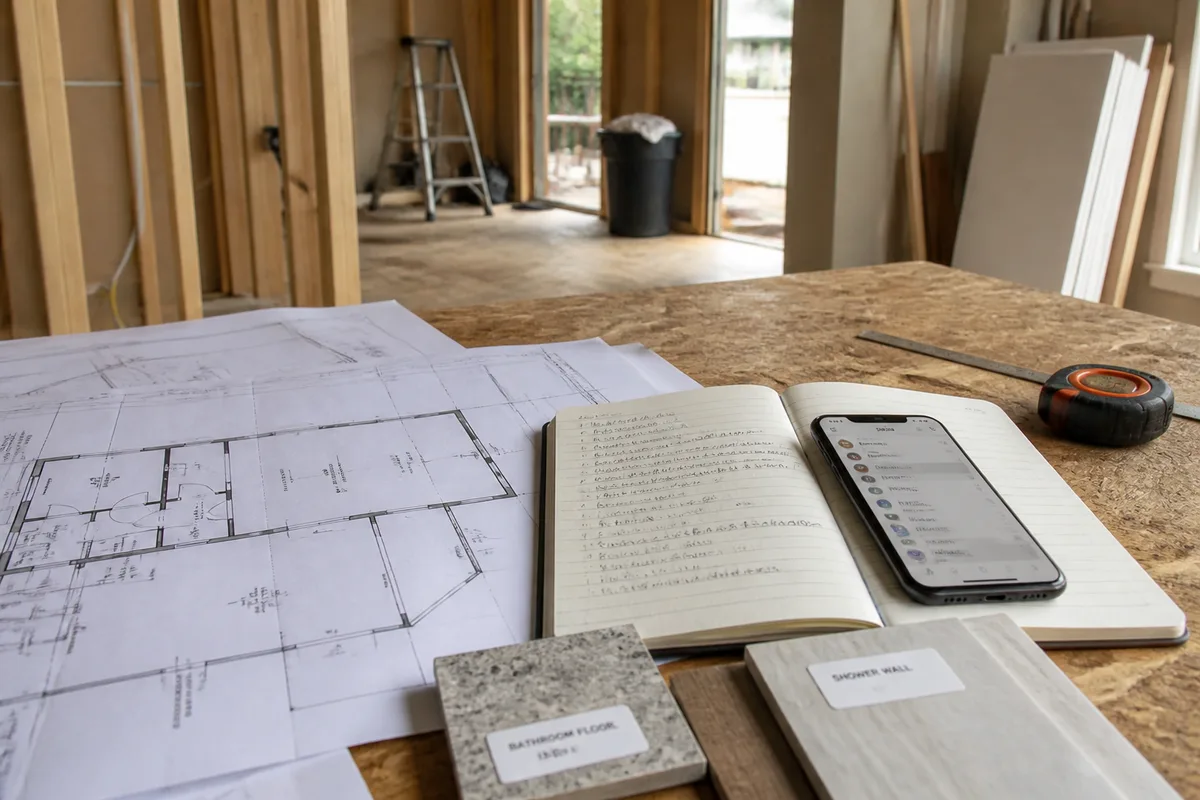
The table below compares the two approaches on the most frequent needs of a private individual. For MyMap AI, points related to technical functions are deliberately phrased cautiously when they need to be verified.
| Criterion | Traditional site notebook | MyMap AI | Most suitable if… |
|---|---|---|---|
| Ease of use | Very straightforward, no training needed | Varies depending on the interface and features | You prioritize immediacy: notebook |
| Offline access | Yes, by nature | To be confirmed depending on the version and device | The site has poor network coverage: notebook |
| Photos and documents | Separate filing necessary | Possible centralization, to be verified | You have many attachments: digital tool |
| Searching for a note | Manual flipping | Search possible, to be confirmed | The project lasts several months: digital tool |
| Collaboration with craftsmen | Photocopies, messages or separate reports | Possible sharing depending on offered rights | Several participants exchange regularly: structured digital |
| Cost | Low, depending on the chosen notebook | To be confirmed depending on the selected offer | You want to limit subscriptions: notebook |
| Data protection | Main risk: physical loss or damage | Storage and access conditions to be verified | You manage backups and access: digital |
Ease of use
The notebook wins on initial simplicity. MyMap AI can become more efficient when the site contains a lot of information, but only if you take the time to define categories, file names, and authorized persons to access the data.
Tracking multiple craftsmen
With several trades, coordination includes schedules, interventions, deliveries, storage spaces, and adjustments in case of delays. Beyond three trades, using a general contractor or an execution project manager can be relevant, especially if you lack the time or necessary skills.
The more participants increase, the more the value of a shared history depends on simple rules: a date, a responsible person, a decision, and a next action.
Managing photos and documents
The notebook does not replace a photo folder. However, you can note in its pages the names of corresponding files or folders. With MyMap AI, centralization can be more convenient if attachments are truly linked to the correct steps and exportable.
To document a renovation, take photos before, during, and after the work. Especially photograph networks before closure, supports before covering, and visible defects during reception. Images do not replace professional inspection, but they keep a useful history.
Tracking budget and deadlines
Neither tool automatically calculates the final cost of a site without reliable data. Note accepted quotes, deposits, invoices, additional work, and payments made, clearly distinguishing planned from spent.
A margin for unforeseen events is often recommended around 10 to 15% of the estimated budget, but this benchmark remains indicative and is not a guarantee. The cost of professional support varies depending on size, complexity, location, and chosen provider.
Which method to choose depending on the type of work?
The choice depends less on the tool’s name than on the volume of information to track and the risk of forgetting. For a short and well-defined intervention, the notebook can be largely sufficient. For a spread-out, multi-lot, and documented renovation, a digital or hybrid organization generally becomes more comfortable.
For small work in one room
To repaint a bedroom, lay a covering, or replace a specific element, a notebook with a few dedicated pages may suffice. Add measurements, references, quantities, delivery dates, and reservations. If you are preparing to lay a covering, you can also consult these tips on laying lino to distinguish administrative tracking from the requirements specific to the execution.
For a complete renovation
When the project involves several rooms, successive interventions, and numerous documents, MyMap AI can be more relevant if its filing and search functions meet your needs. However, keep an independent copy of essential documents and formalize important decisions in writing.
For a site with multiple craftsmen
A shared tool can facilitate the circulation of a single piece of information, but sharing must remain controlled. Craftsmen do not necessarily need access to all quotes or personal documents. For each task, indicate the person responsible, the scheduled date, the dependency on the previous intervention, and the validation condition.
For a person not comfortable with digital tools
The classic notebook is often the most realistic choice. A sophisticated method that is not updated is no better than a simple notebook regularly filled out. You can ask a relative to scan the important pages each week, without deleting the original medium.
Is the hybrid method the best compromise?
For many individuals, yes, provided the role of each medium is defined. The notebook is used to quickly capture information on site, while MyMap AI is used to centralize decisions, photos, and tasks after the visit. This organization avoids having to choose between speed and document search.
The hybrid method only works if a update meeting is scheduled, for example after each site meeting or at least once a week. Without this transfer, two competing versions of the site reality appear.
What to keep in the paper notebook
- sketches and measurements taken quickly;
- questions to ask during the visit;
- observations regarding the condition of the premises;
- number of a photo or document to be filed later;
- list of reservations identified on site.
What to centralize in MyMap AI
- current version of plans and quotes;
- dated minutes and validated decisions;
- photos sorted by room, date, and phase of work;
- schedule of interventions and still open tasks;
- history of modifications, with their budget impact to be confirmed.
How to avoid duplicates?
Choose a simple rule: the notebook is a field draft, MyMap AI becomes the reference archive after validation. Each transfer must include the date, place, author of the decision, and the next action.
Do not create a new record for each message. Group exchanges around a specific decision or problem, then close the task when the correction has been verified.
How to successfully manage site follow-up step by step?
Whatever method is chosen, follow-up must follow a predictable rhythm. A weekly site meeting is a frequently used benchmark, but its actual frequency depends on the project, phases of work, and coordination needs.
- Prepare the kickoff meeting with plans, quotes, schedule, contacts, and access constraints.
- Define responsibilities of each participant and the person who validates changes.
- Control progress against planned stages, without waiting for the end of the site to report an anomaly.
- Document deviations with a dated note, a photo, and a clear request for correction or explanation.
- Update the schedule and budget only after confirmation of the modification.
- Prepare the reception by listing reservations, finishes to be redone, and documents to be collected.
Communication must remain factual. Write what was observed, what was planned, and what must be done, rather than immediately assigning blame. Precise plans must be shared with craftsmen, and important exchanges must be formalized.
A dated note, a contextualized photo, and a clearly assigned action are more useful than a long exchange impossible to retrieve.
What common mistakes should be avoided?
Follow-up oversights rarely appear when the site seems calm. They often manifest later, when a decision is no longer assigned to anyone or when a material has been installed before a problem is detected.
- Not formalizing anything in writing: an oral conversation becomes difficult to prove. Note the decision, its date, and the people involved.
- Accepting a change without measuring its impact: a change can affect the price, the deadline, or the order of intervention. Request a quantified confirmation when necessary.
- Choosing a craftsman solely based on price: a lower quote alone does not allow you to assess insurance, the scope of the service, or the quality of communication.
- Forgetting photos before closing the works: once a network or insulation is covered, some visual inspections become impossible.
- Checking finishes too quickly: examine joints, connections, and paint with appropriate lighting before closing the punch list.
Follow-up should not become a permanent presence on the site. A few regular minutes can help spot inconsistencies, but electrical, gas, structural work or work done at height present particular risks and must be entrusted to qualified professionals when skills or applicable rules require it.
MyMap AI, notebook or other tool: which alternatives to compare?
MyMap AI and the paper notebook are not the only solutions. A spreadsheet, a shared folder, or a general note-taking app can meet different needs. The right choice depends on ease of filing, backup, and the ability to retrieve information, rather than on the number of displayed functions.
| Alternative | Main advantage | Limitation | Relevant use case |
|---|---|---|---|
| Spreadsheet | Quantified tracking of budget and deadlines | Less practical for photos and long reports | Simple budget, few users |
| Shared folder | Storage of plans, quotes, and photos | Manual organization required | Documents to share with several people |
| Note-taking app | Quick capture on phone | Planning or tracking functions sometimes limited | Small jobs and daily journal |
| Project manager | Professional coordination and control | Fees and dependency on a contract-defined mission | Complex or multi-lot project |
To track purchases and tasks, a spreadsheet can complement a notebook. For documents related to finishes, folders named by room are often sufficient. If the project includes a specific intervention, such as modifying a worktop, also check upstream who can change a worktop and what skills are necessary.
What is the verdict according to your profile?
There is no single winner. The classic site notebook is better suited for simplicity and small jobs. MyMap AI is potentially more relevant for centralizing a documentary site, provided its functions really match your needs. For a complex renovation, the tool does not replace qualified support.
| Profile | Recommended Method | Why | Precautions |
|---|---|---|---|
| Small project in one room | Classic notebook | Quick, inexpensive, and sufficient for a few tasks | Archive invoices and photos separately |
| Complete renovation | MyMap AI or hybrid method | Better potential centralization of information | Check functions, backups, and export |
| Multiple craftsmen | Structured shared tool or project manager | Clearer coordination of interventions | Clarify responsibilities and approvals |
| Low digital user | Paper notebook | Immediate handling and offline access | Provide a copy of essential documents |
| Project with technical requirements | Qualified professional + tracking tool | Documentary tracking complements, without replacing, expertise | Check insurance, qualifications, and contractual mission |
Key Takeaways
- 📝 The paper notebook remains suitable for small jobs and immediate note-taking.
- 🗂️ MyMap AI can centralize information, but its functions must be verified before use.
- 📸 Dated and contextualized photos document progress without replacing professional inspection.
- 🔁 The hybrid method limits omissions if a single reference version is kept up to date.
- 🛠️ For electricity, gas, structure, or complex projects, involve a qualified professional.
Frequently Asked Questions
Is MyMap AI better than a job site notebook?
Not in all cases. MyMap AI can be more convenient for centralizing and searching information, while the notebook is simpler, accessible offline, and suitable for small jobs.
Can a project be tracked using only a paper notebook?
Yes, for a limited and not complex project, provided decisions, dates, reservations, and document references are noted. Photos and invoices must still be archived separately and easily identifiable.
Should only one method be chosen?
No. A hybrid method can combine quick note-taking on paper with a weekly digital summary. To avoid contradictions, designate one medium as the reference archive.
What information should never be forgotten?
Note the date, the area concerned, the work performed, the discrepancy observed, the responsible person, and the next action. Add a photo when the observation concerns a finish, a network, or an element soon to be covered.
Does MyMap AI replace a project manager or craftsman?
No. A tool can help organize tasks, photos, and documents, but it does not replace the skills needed for technical control, professional coordination, or carrying out regulated work.
Useful Sources to Consult
- France Rénov’: advice for following renovation steps and keeping photos before, during, and after the work.
- Qualitel: guidelines on project management, coordination, and organizational solutions.
- Official MyMap AI documentation: to check available functions, pricing, sharing, offline access, and data management.